I used to have a CD player in my car. I’d get in, pick a disc I already knew I wanted, and press play. No scrolling through endless lists, no algorithm asking what mood I was in—just the album, start to finish. It was a small ritual, but it worked: the music was already chosen before I pulled out of the driveway. That simplicity is what I missed, and it’s what led me to build Digital CD Changer.
What I wanted
Most of the music I care about is already in my library—albums I’ve bought over the years, things I’ve added from Apple Music. What I wanted wasn’t another way to discover music. I wanted a fast path back to the albums I love: load them up, tap one, and listen. A few clicks, not a project.
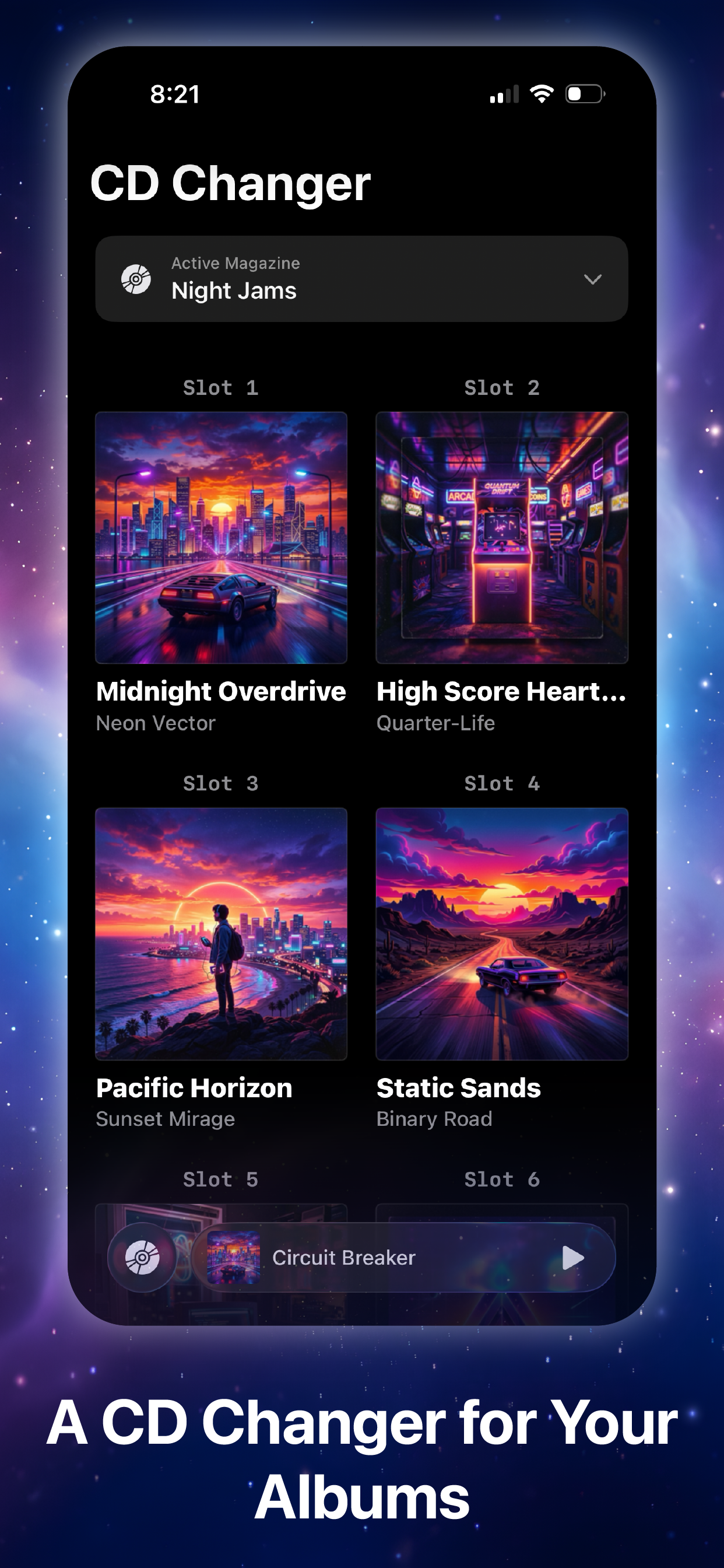
The app is built around that idea. You create CD magazines from the albums in your Music library—like the six-disc changer in the glove box, but digital. Browse by artwork, fill the slots with albums you actually want to hear, and play. One tap starts the album. The album is the unit; there are no playlists, recommendations, or “what should you listen to next?” loops. It’s deliberately constrained, the way a physical changer was.
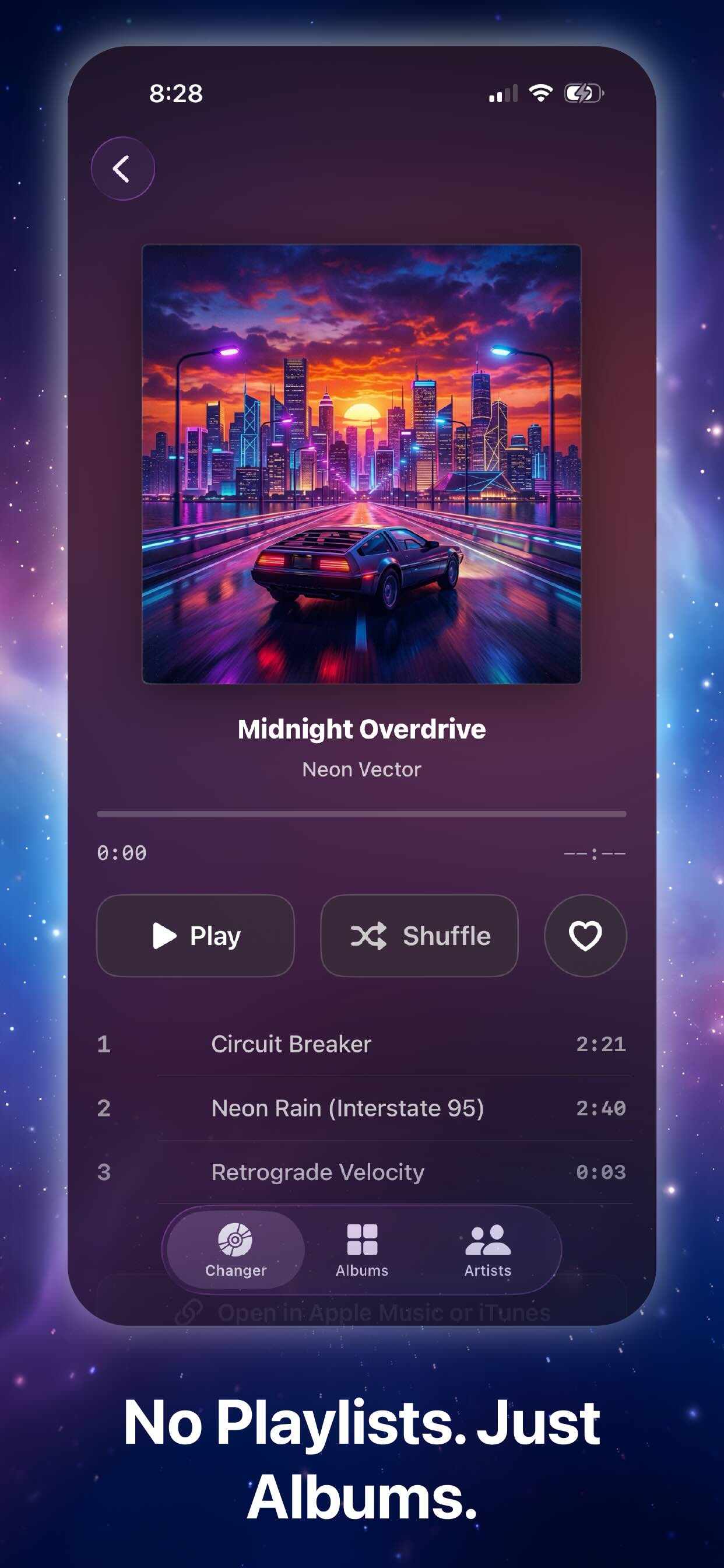
It works with the albums already in your Music library—purchased music and Apple Music titles you’ve added—not a separate catalog to manage. You can open an album, see the track list, and start from anywhere; recently played albums stay easy to jump back into.
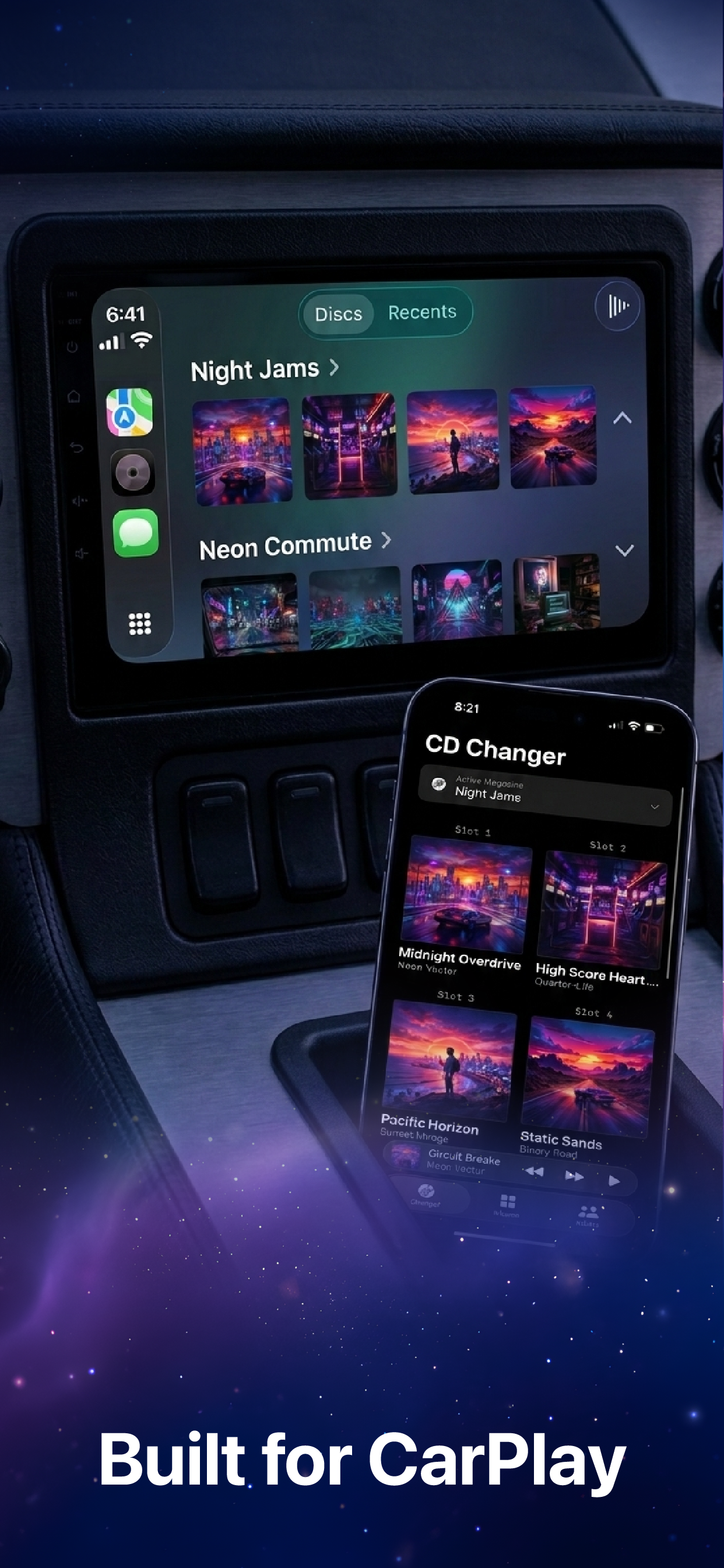
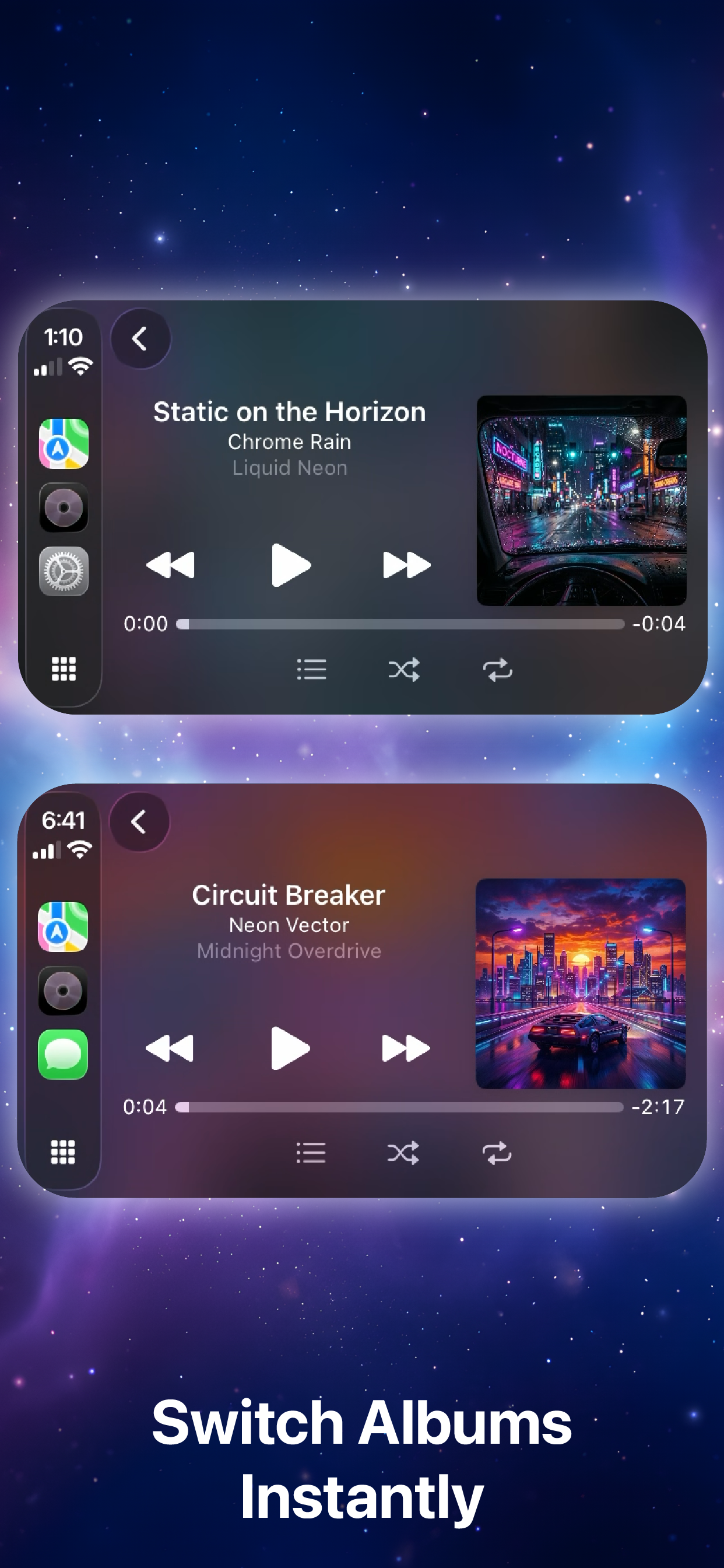
On the road, that matters even more. CarPlay is a big part of the experience: large artwork, simple navigation, glanceable controls so you’re not fighting the interface while you drive. Pick an album, let it run.
Why I built it
I’ve been a software engineer since 2012, and I’m happiest when I’m building something—often in the margins, between work and family. Side projects like this are how I scratch that itch: solve a problem I actually have, ship something small and focused, and learn along the way. Digital CD Changer started as “make playing my albums easy again,” not as a product pitch.
Version 1.1
With version 1.1, the app is free on the App Store. You get one six-disc magazine out of the box—enough to load a starter changer and start listening right away. I made it free so more people can try it without paying upfront; if your collection grows, Pro is a one-time upgrade (no subscription) that unlocks unlimited magazines and slots.
This release also adds a CD Changer menu for Pro and About (with links to the site, terms, and support), plus reliability improvements around artwork and purchases.
Try it
If you miss album-first listening—or just want your favorites a few taps away—you can download Digital CD Changer on the App Store or read more on the product page.
The screenshots below show the rest of the story better than I can in words.
Screenshots