Most of what I actually write in Pocket Trip Planner isn’t structured. The itinerary is structured and the packing list is structured and the budget is structured, and then there’s the notes field, which is where the parking situation goes, and the name of the place somebody recommended, and the door code. But it wasn’t searchable? Why? Dunno! But a very kind user sent me an email asking for this, so it’s been added.
1.7.1 fixes that, and it’s a small release so this is a short post, and a plea for more feedback when you have issues.
Search reads your notes
Global search worked by flattening every trip into one big searchable string - events, transportation, packing, important dates, all of it in there. Trip notes were not. That wasn’t a decision, they just never got added, and I never caught it because I kept testing search with things I already knew were events. Until a very kind user sent me an email asking to be able to search their notes. Slaps forehead Oops….yeah of course I’ll add that feature.
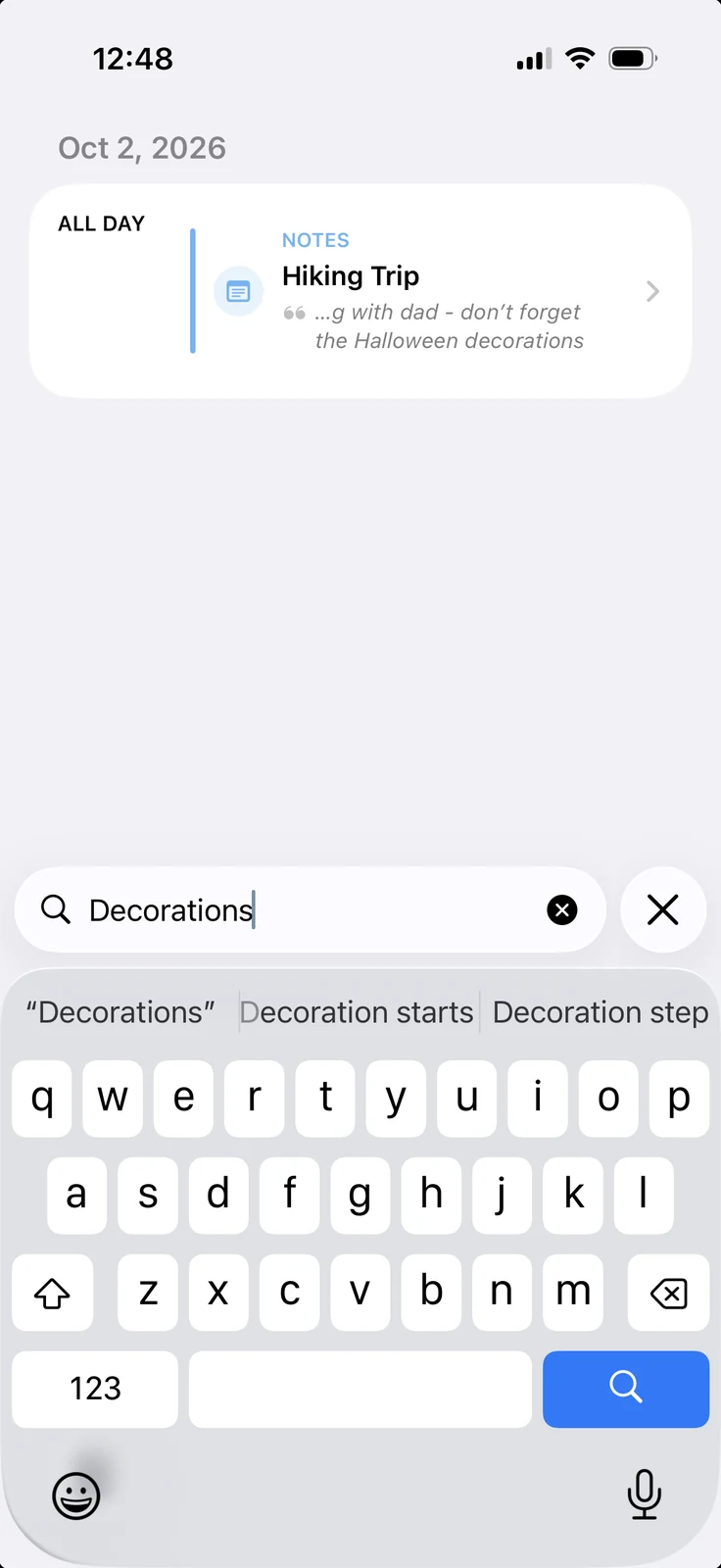
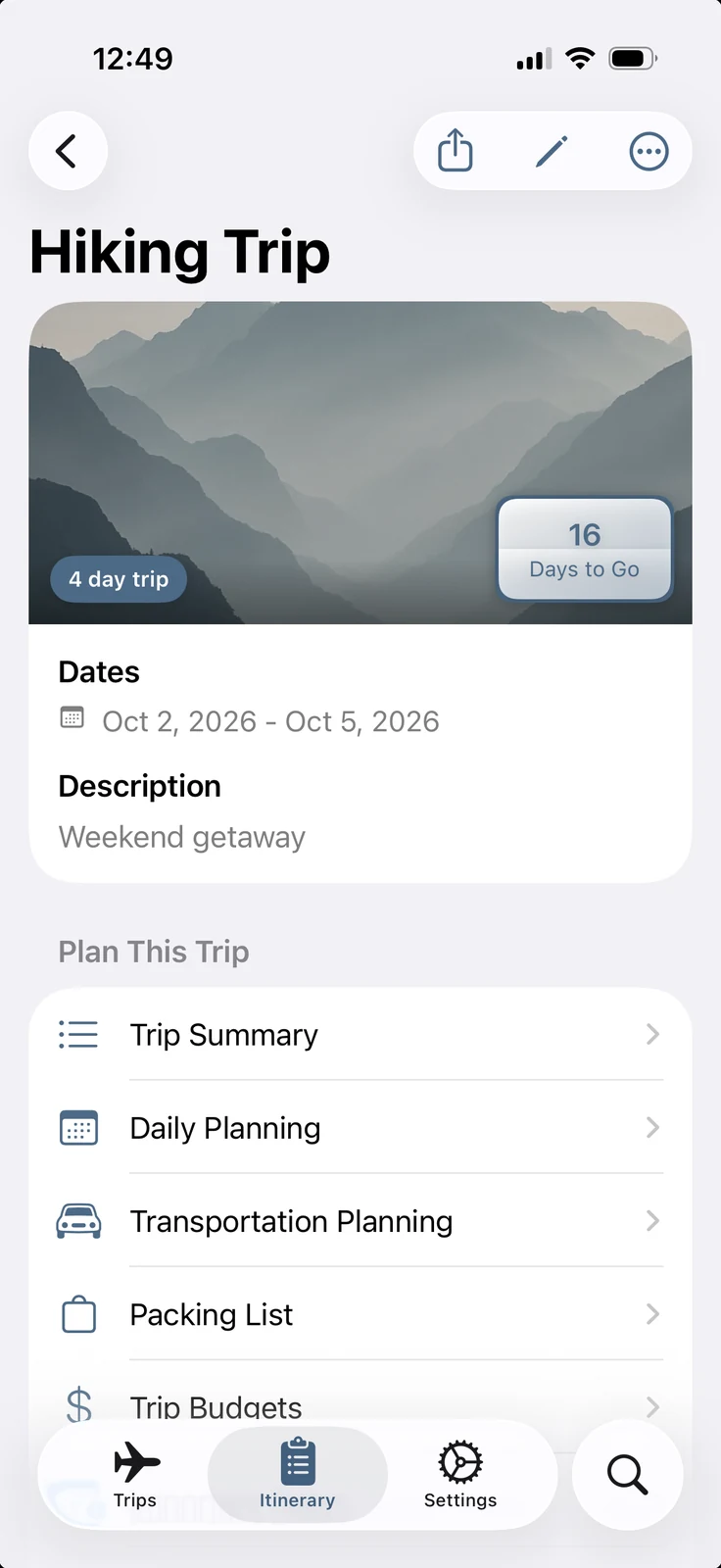
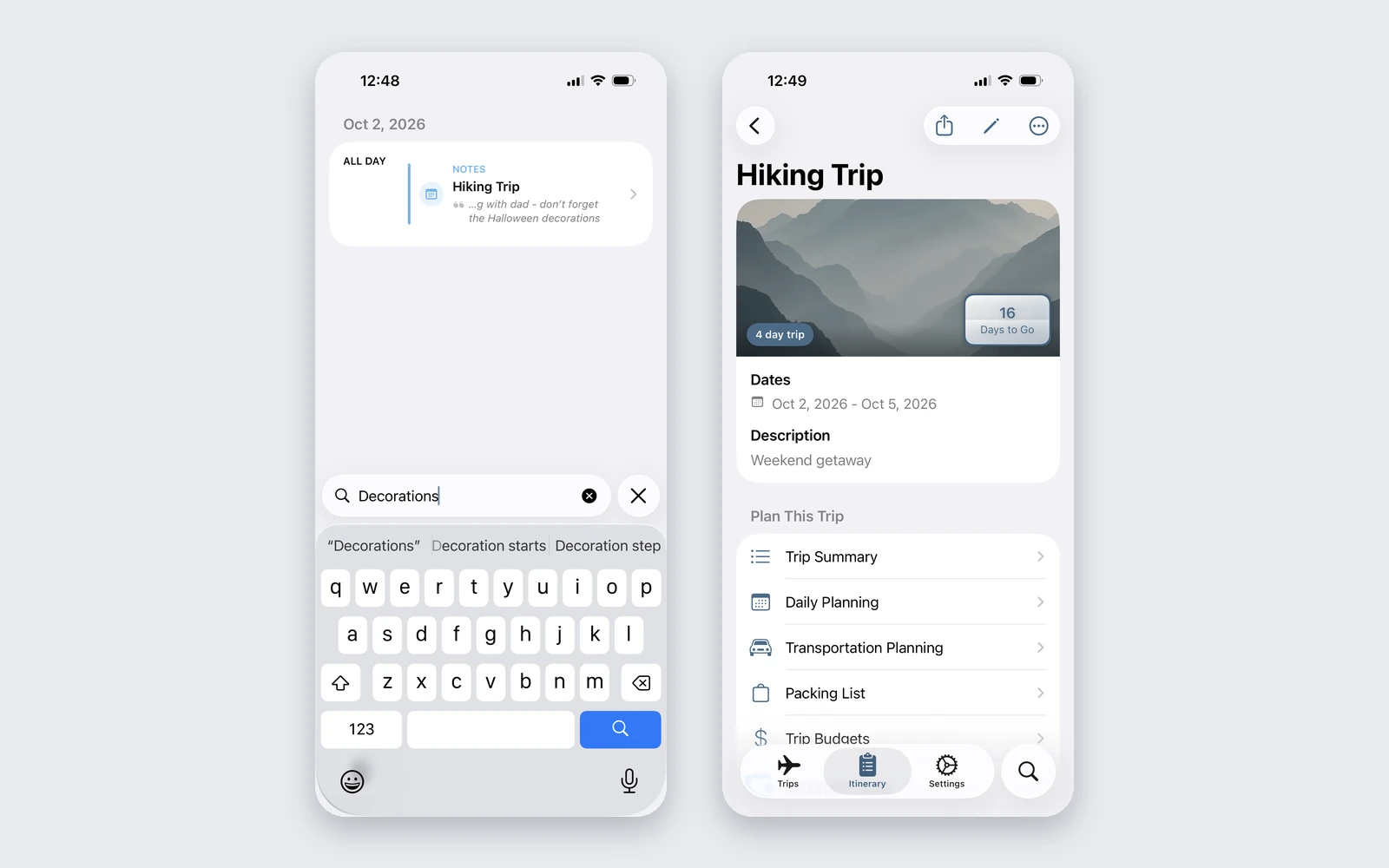
It also tells you why something matched. A notes only hit used to show up as a generic “Trip Start: Lisbon” row that opened the trip’s main screen, which technically was a match but looked like a bug and put you in the wrong place anyway. Now the row says “Notes: Lisbon” and shows the actual line out of the note, and tapping it drops you in the notepad with the thing you were looking for already on screen.
The other fix was accents. The matcher was doing .lowercased().contains(), which is plain ASCII, so searching “Zurich” would not find a note that said “Zürich.” That’s a bug anywhere but in a travel app it’s just bad - the whole premise is that you’re going somewhere you might not know how to spell! It does a locale aware, diacritic folding compare now, so the accents are optional in both directions.
Timeline cards lead with what they are
While fixing this I realized the search results looked awkward - turns out the loudest thing was in the wrong place. The title was usually saying the same thing as the subtitle right under it, and the accent color looked like it meant something but was really just whatever color you happened to tag that event, and the one thing that’s actually useful when you’re scanning a mixed list of events and travel legs and dates - which is what kind of row am I even looking at - was sitting in small trailing text after a bullet.
So each row leads with the type now, in caps, before anything else. Scanning a day is reading down one column instead of parsing every line.
The part that took the longest was deciding what to call the row that marks a trip starting. It had been “Trip Start,” which reads like something happening to the trip rather than the name of the row, and every other type in that list is just a plain noun - Event, Lodging, Flight. So it’s “Trip” now, which is five characters that somehow took most of an evening.
Also - minor note
Rating the app from Settings actually opens the App Store now. It used to call the same system API that shows the little in-app rating prompt, which Apple throttles and will silently drop, so the button just did nothing some of the time and you had no way of knowing which time you were getting - oops.
Moral of the story
If there is something that seems awkward or should exist in the app - please email me - mitchell525@gmail.com. I’ll take a look and see if I can fix/add it! Seriously, this app has just been a hobby for myself that I use when planning family vacations so I have plenty of blind spots that my own workflow just hasn’t hit.
Try it
Pocket Trip Planner is free and ad free and doesn’t want you to make an account. Pro is a one time unlock. It runs on iPhone, iPad, Mac, and Vision Pro.
Screenshots